Finding a tutor · 4 min
Find the right tutor
Search by language and price, watch intro videos, read profiles and reviews, and save the tutors you like to compare them.
Before you start
- Know which language you want to learn and roughly what you want to spend per hour.
- You don't need an account to look around.
Step by step
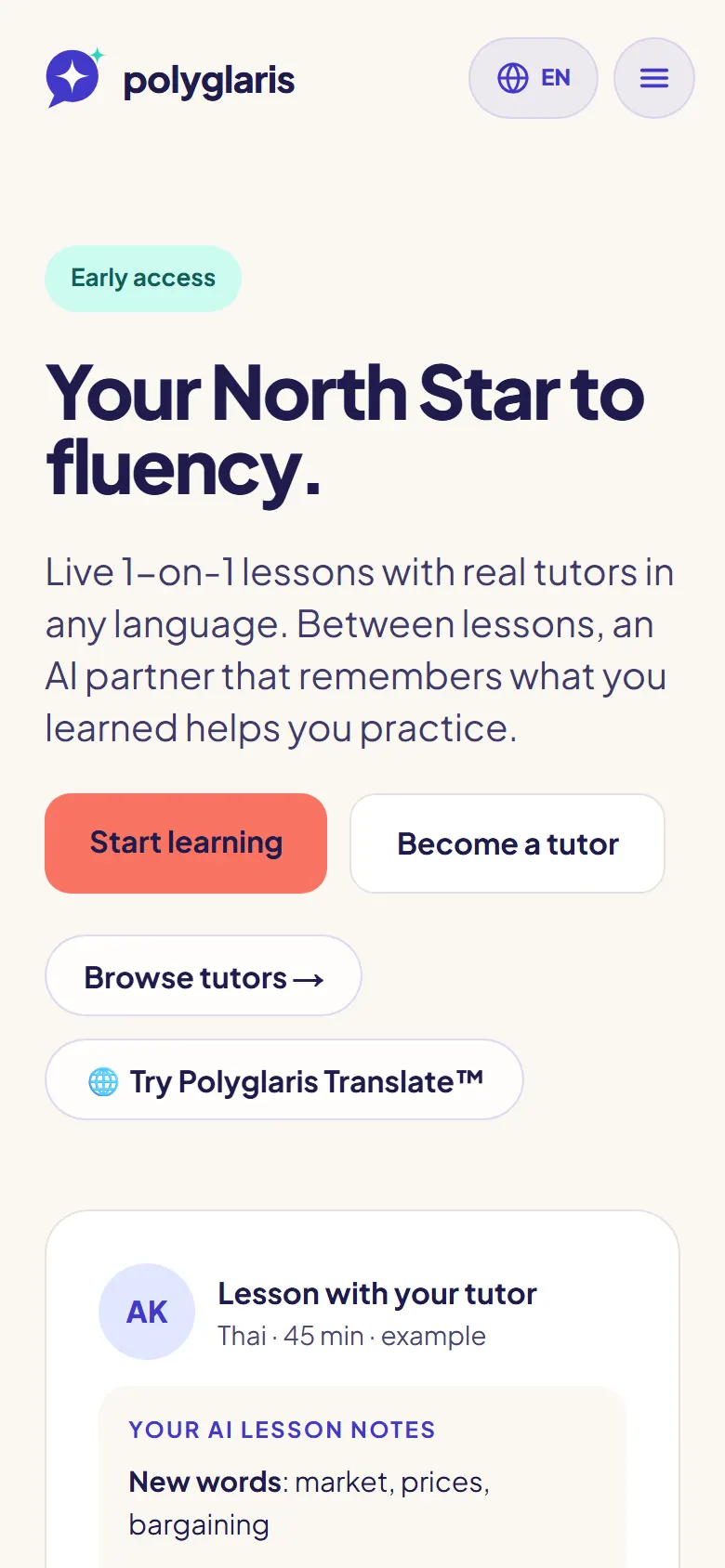
- Step 1:
Press Find a tutor at the top of the page.
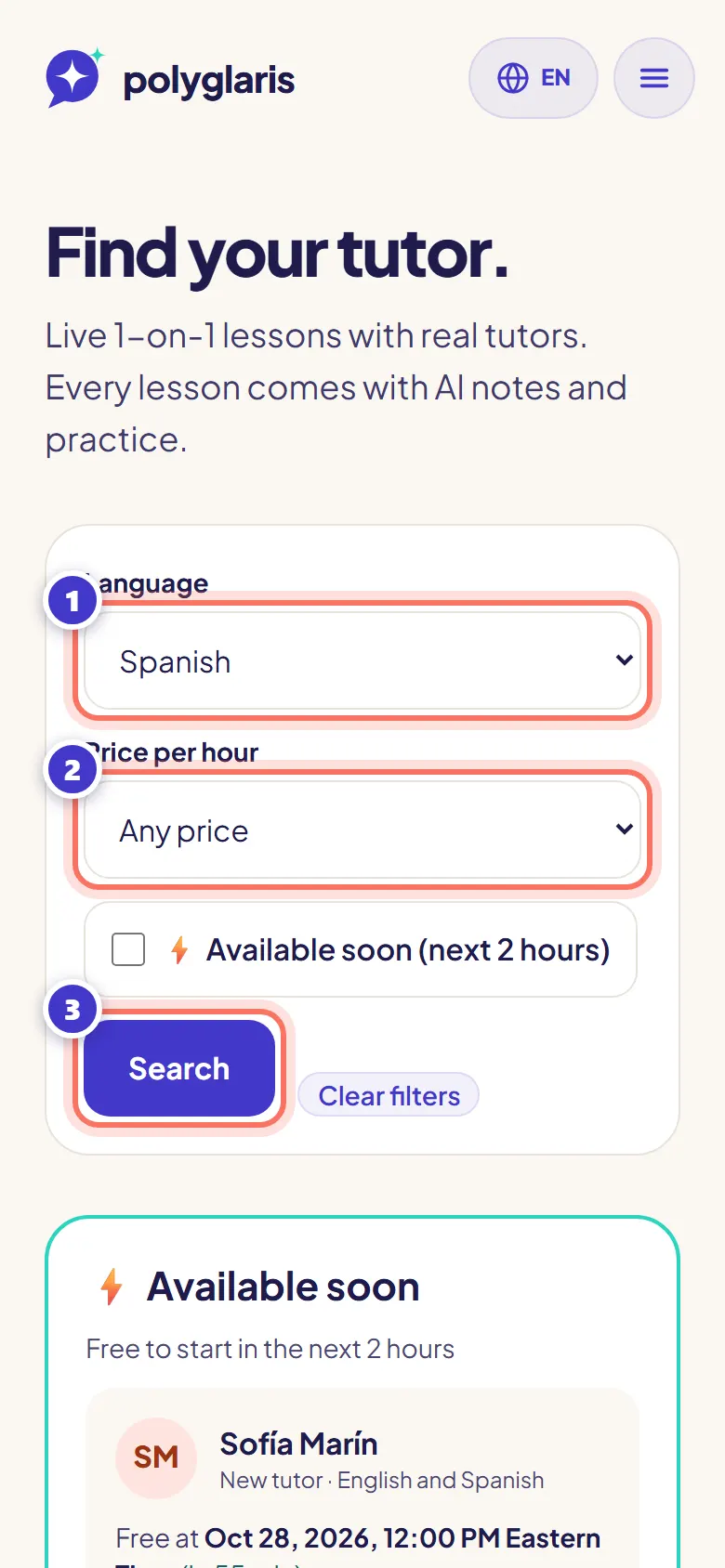
- Step 2:
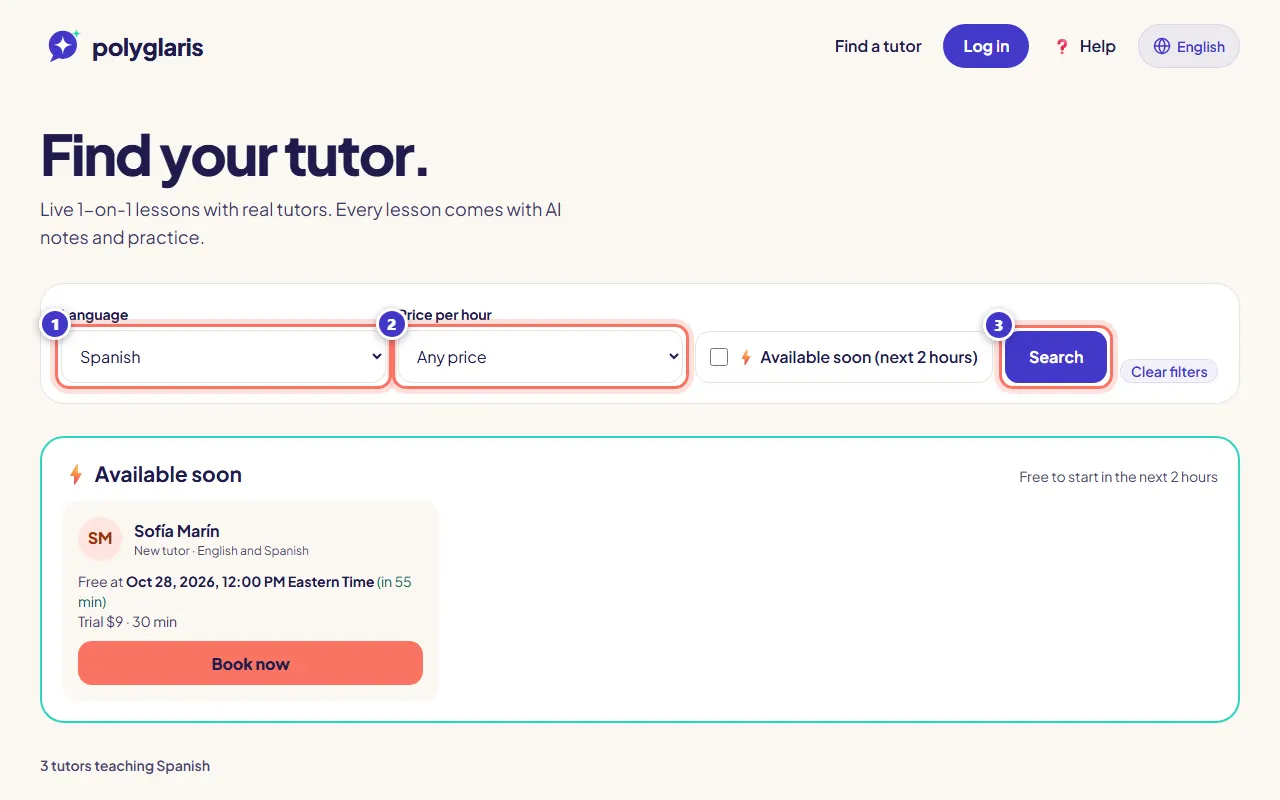
Choose a Language and a Price per hour, then press Search.
Founding Tutors are listed first, then tutors with top badges and complete profiles.
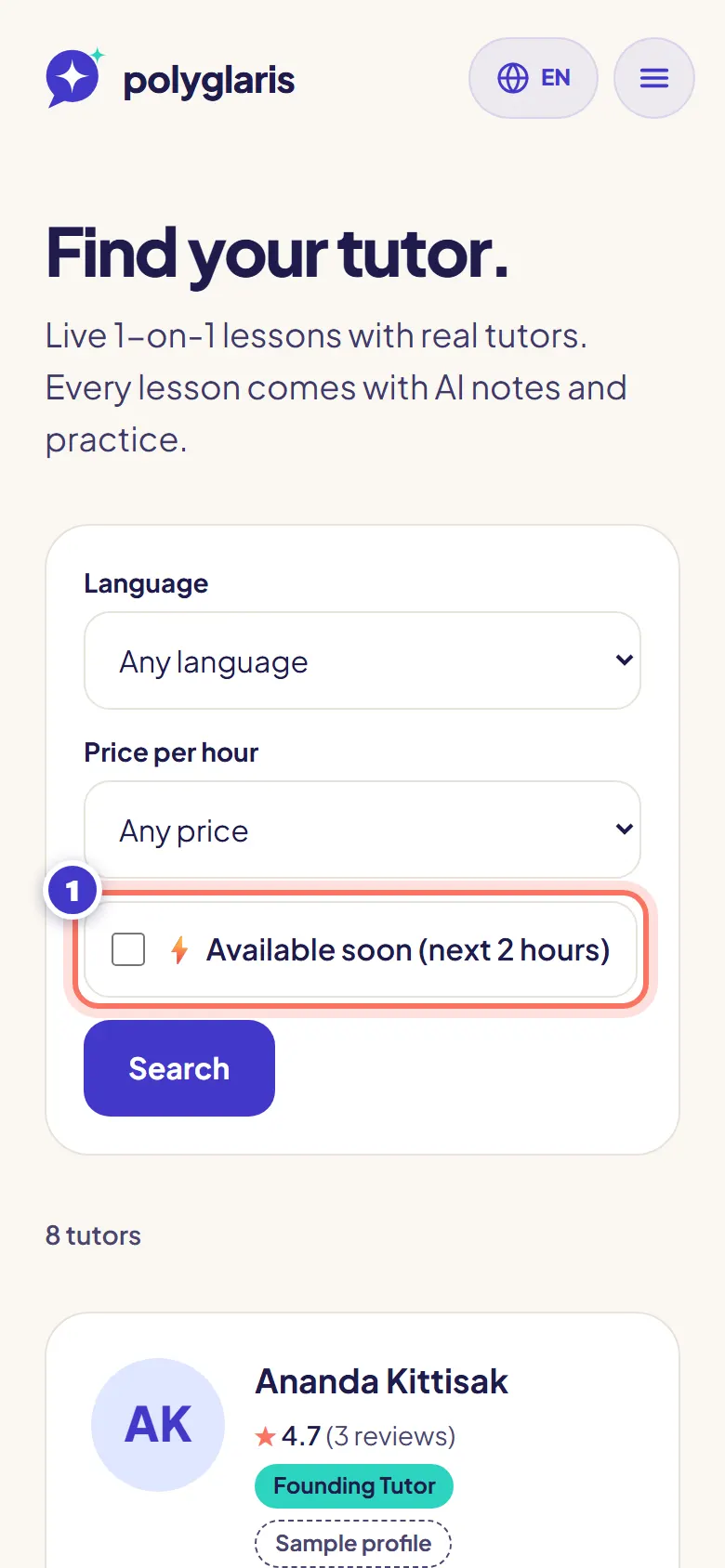
- Step 3:
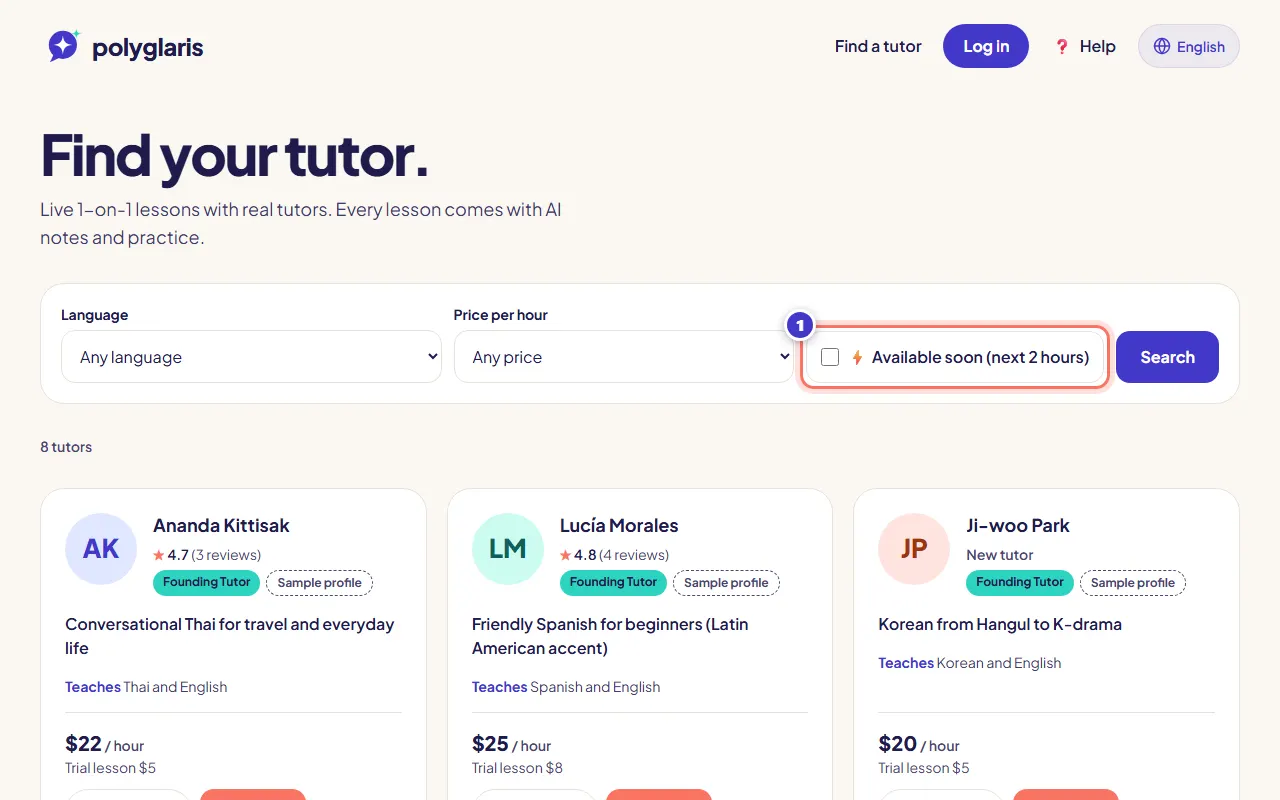
Want a lesson soon? Tick ⚡ Available soon (next 2 hours) to see only tutors who are free in the next 2 hours.
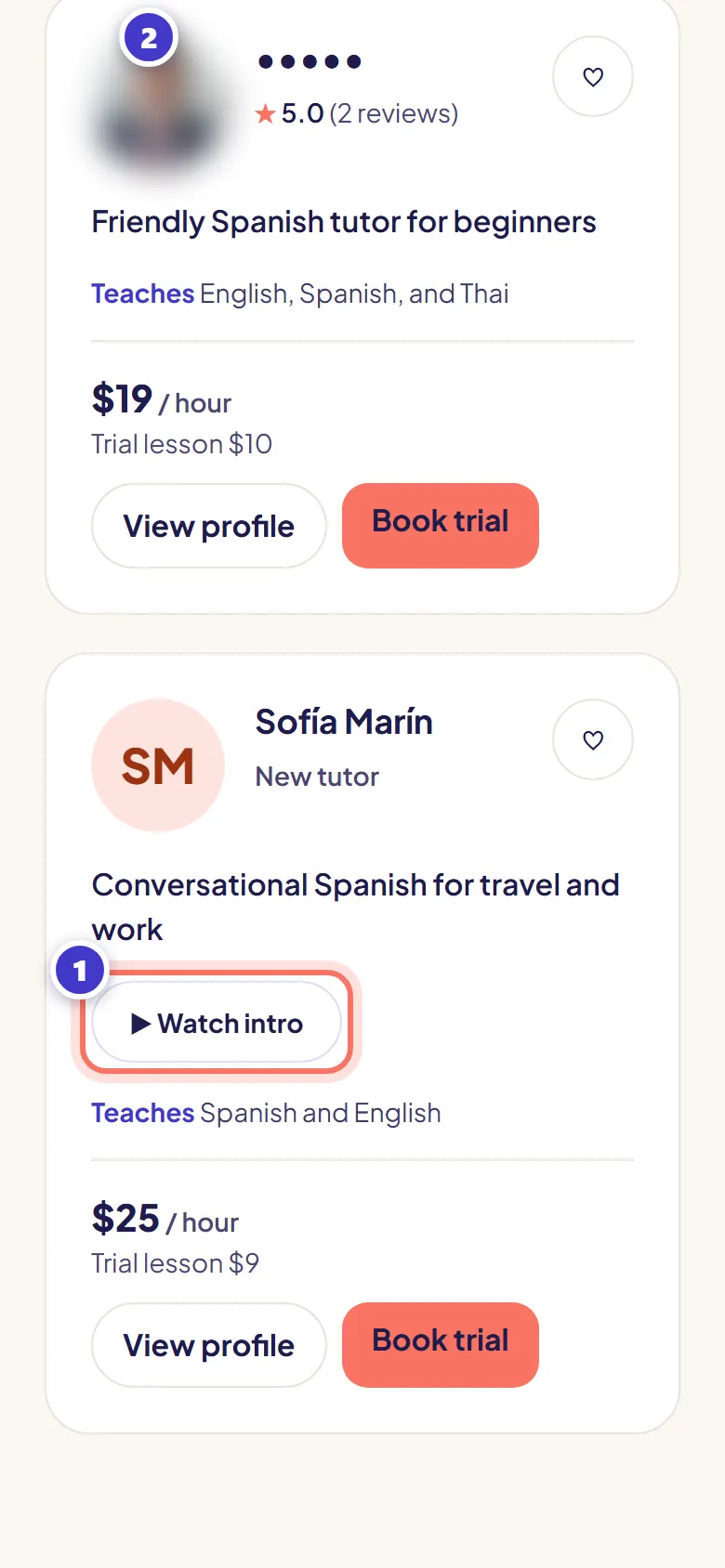
- Step 4:
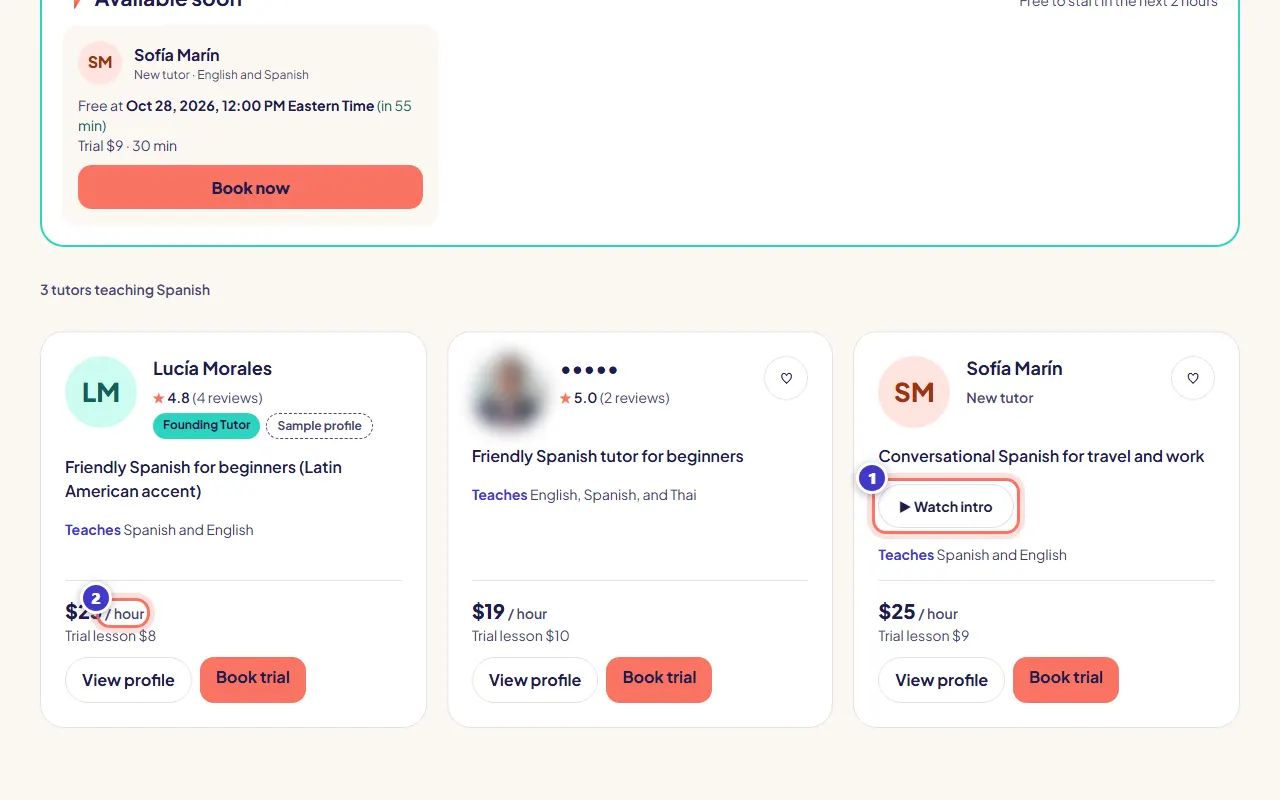
On a tutor's card, press ▶ Watch intro to watch their short video without leaving the page.
The card also shows the languages they teach, their price per hour, their trial price, their rating and their badges.
- Step 5:
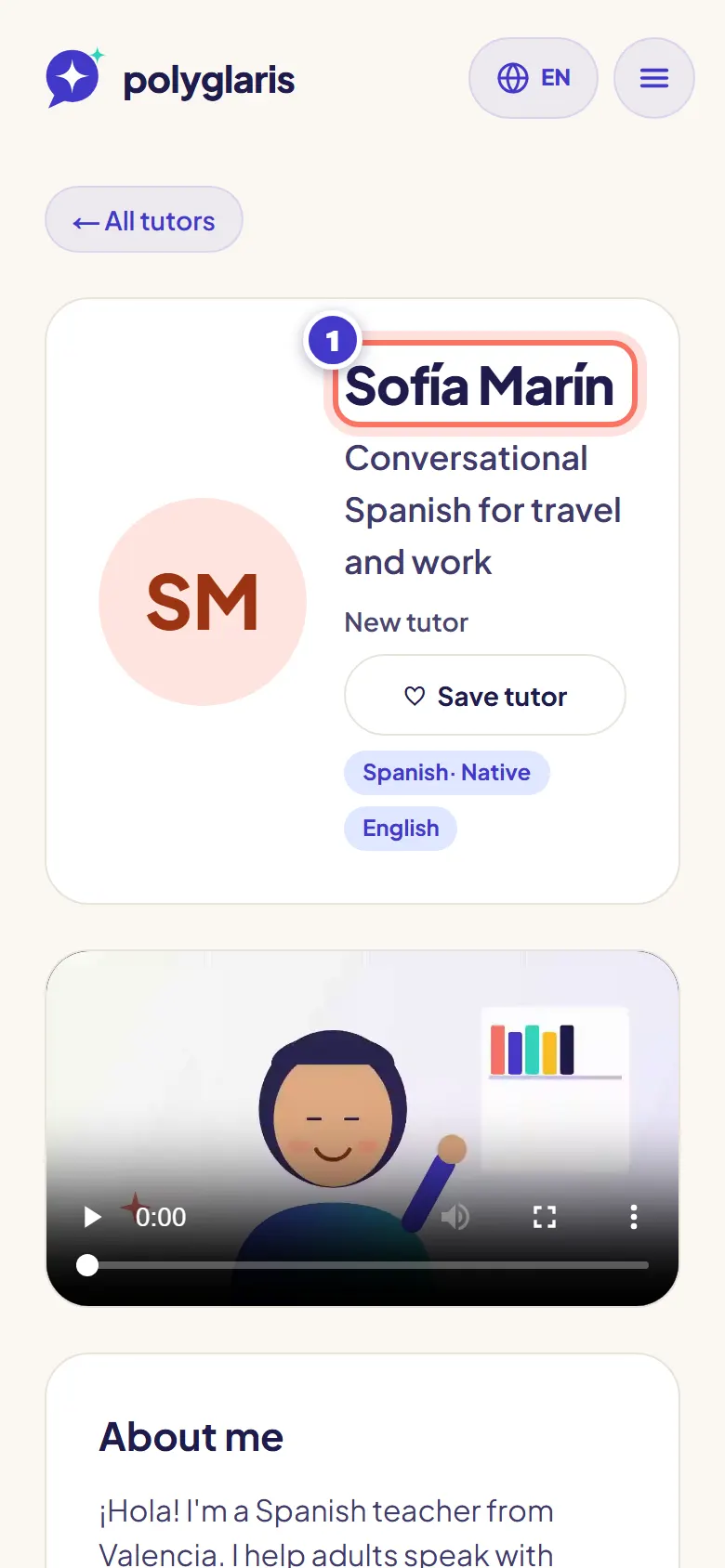
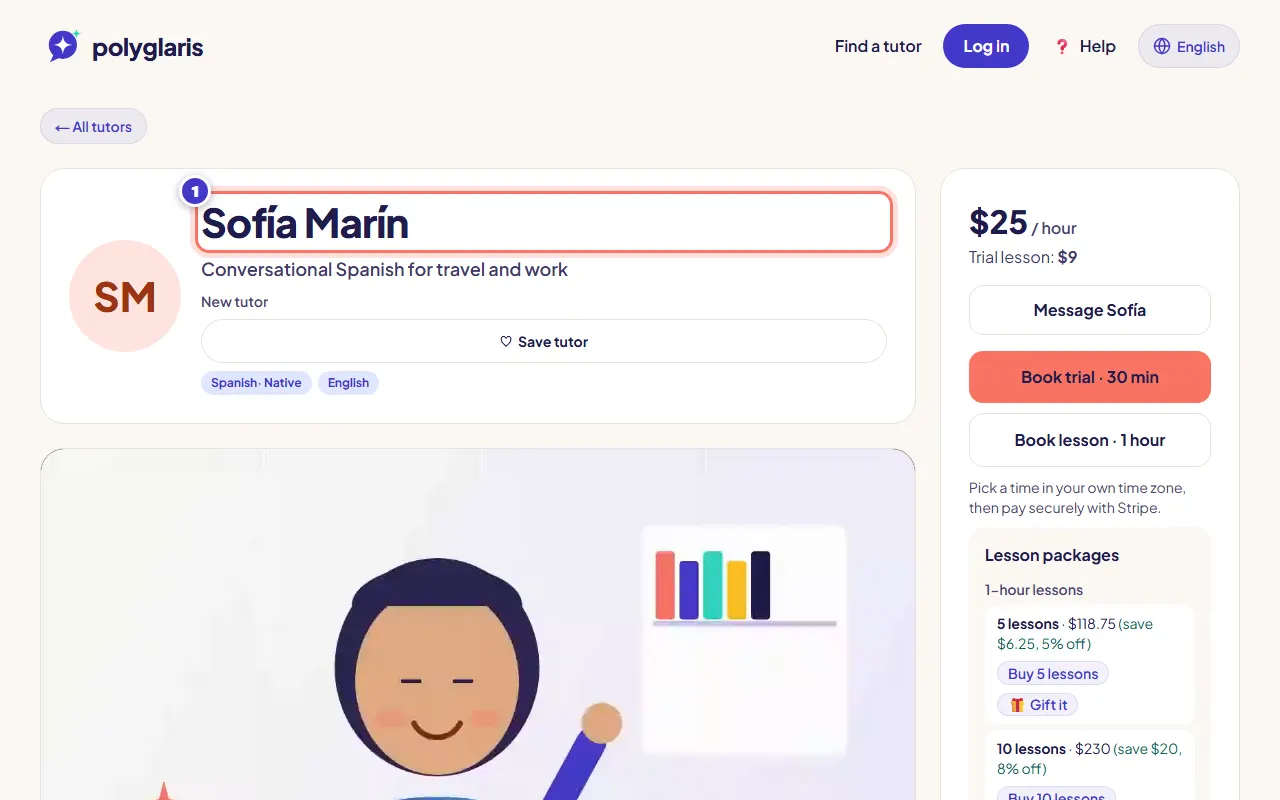
Press View profile to read about the tutor, see their weekly hours in your time zone, and read reviews.
- Step 6:
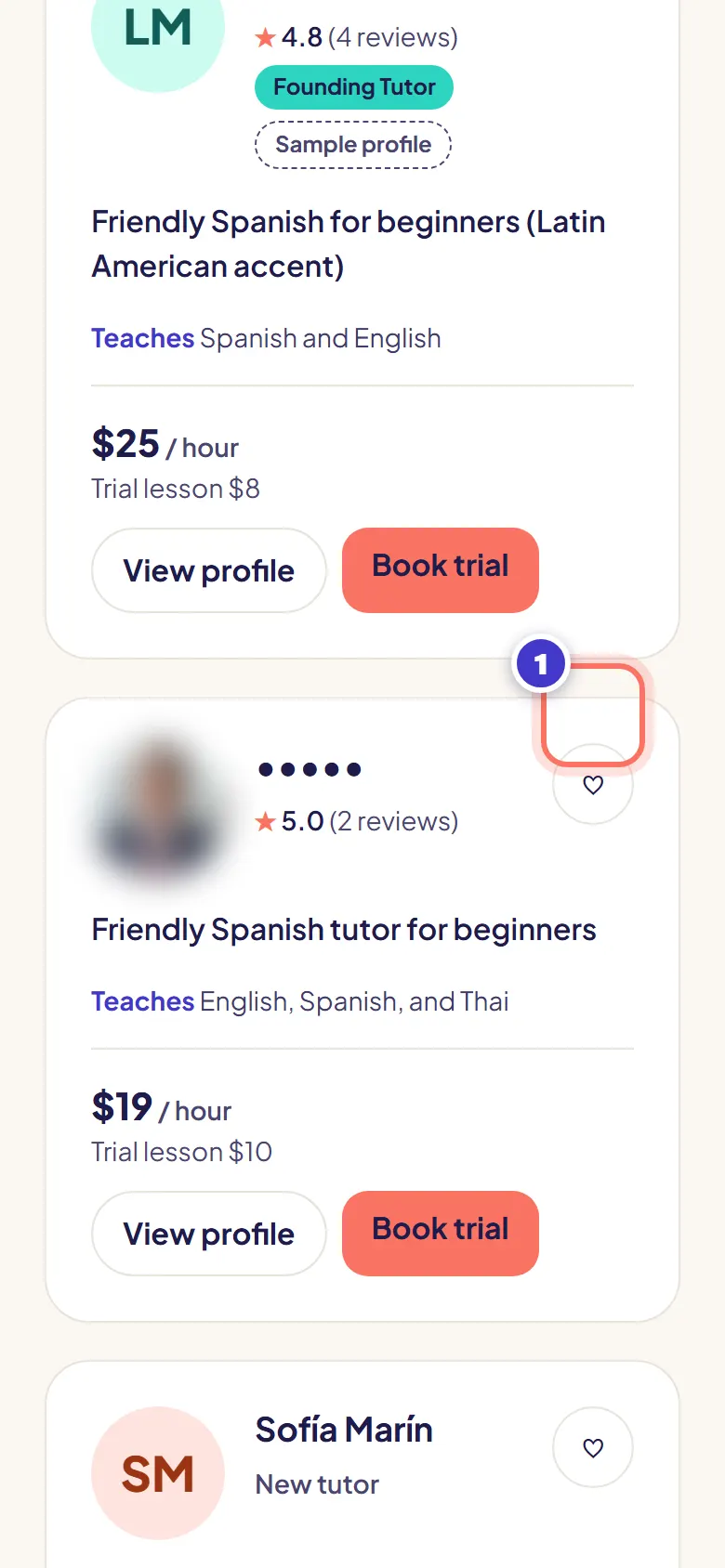
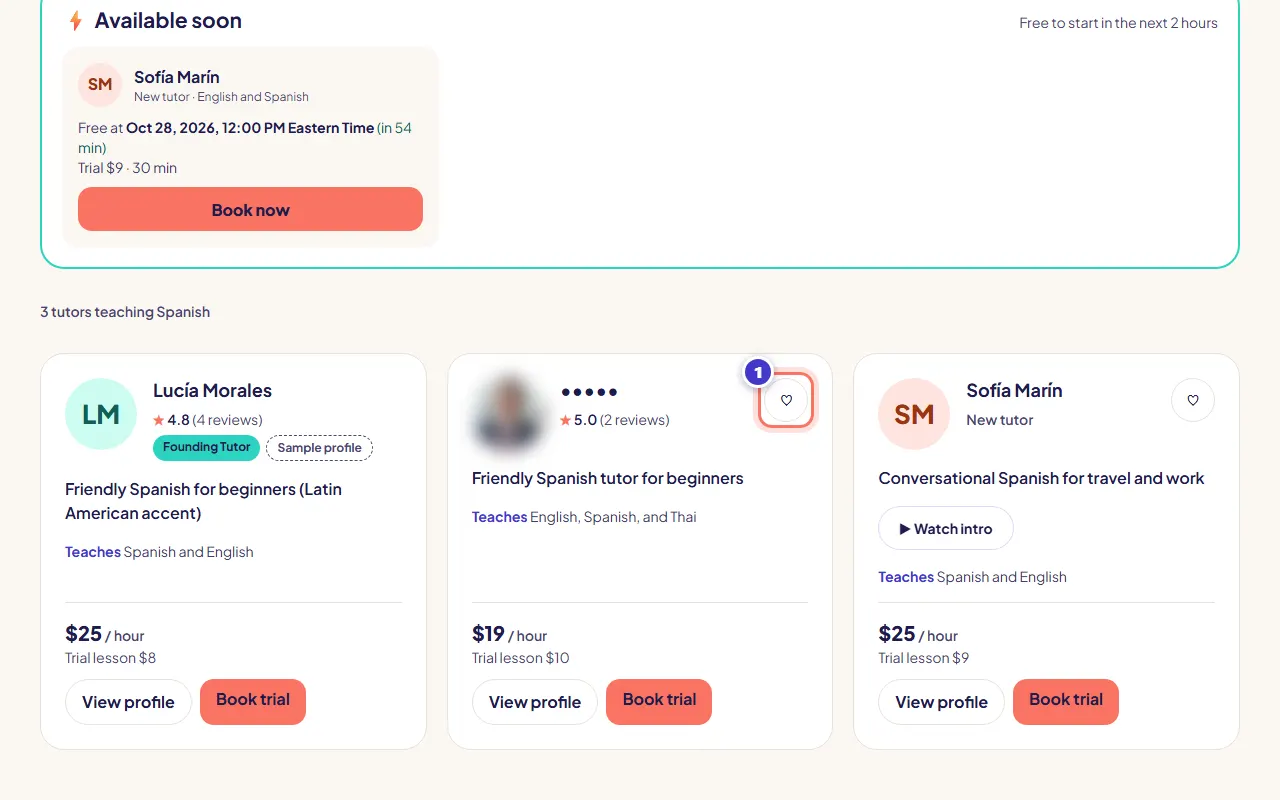
To compare tutors, press the ♥ button (Save to My tutors) on the ones you like. They appear under My tutors on your dashboard, with each tutor's next free time and a Book button.

What you should see
- A list of tutor cards, with a count such as "6 tutors teaching Spanish".
- Prices in US dollars. If you live elsewhere you may also see an approximate price in your own currency (≈).
Troubleshooting
No tutors match.
Try a higher price or press Clear filters. New tutors join every week.
A tutor shows "Back on …".
They are on vacation. You can still book times after the return date, or press Notify me when back on their profile.
There's no Watch intro button.
Not every tutor has an intro video yet. Read their profile and reviews instead, or book a short trial.
Related lessons
Book and pay for a lessonUse Polyglaris TranslateChecked against the app on October 27, 2026
Still stuck?
Ask the Assistant or send us a message. A person reads every message.