Learning tools · 4 phút
Use Polyglaris Translate
Translate a phrase, hear it, see how to pronounce it, learn how it works, save the words, and practice them with a tutor.
Bài học này chưa được dịch sang ngôn ngữ của bạn, nên đang hiển thị bằng tiếng Anh.
Trước khi bắt đầu
- Polyglaris Translate is free and works without an account.
- Sign up (free, just your email) to learn more phrases and save words to your flashcards.
Từng bước
- Bước 1:
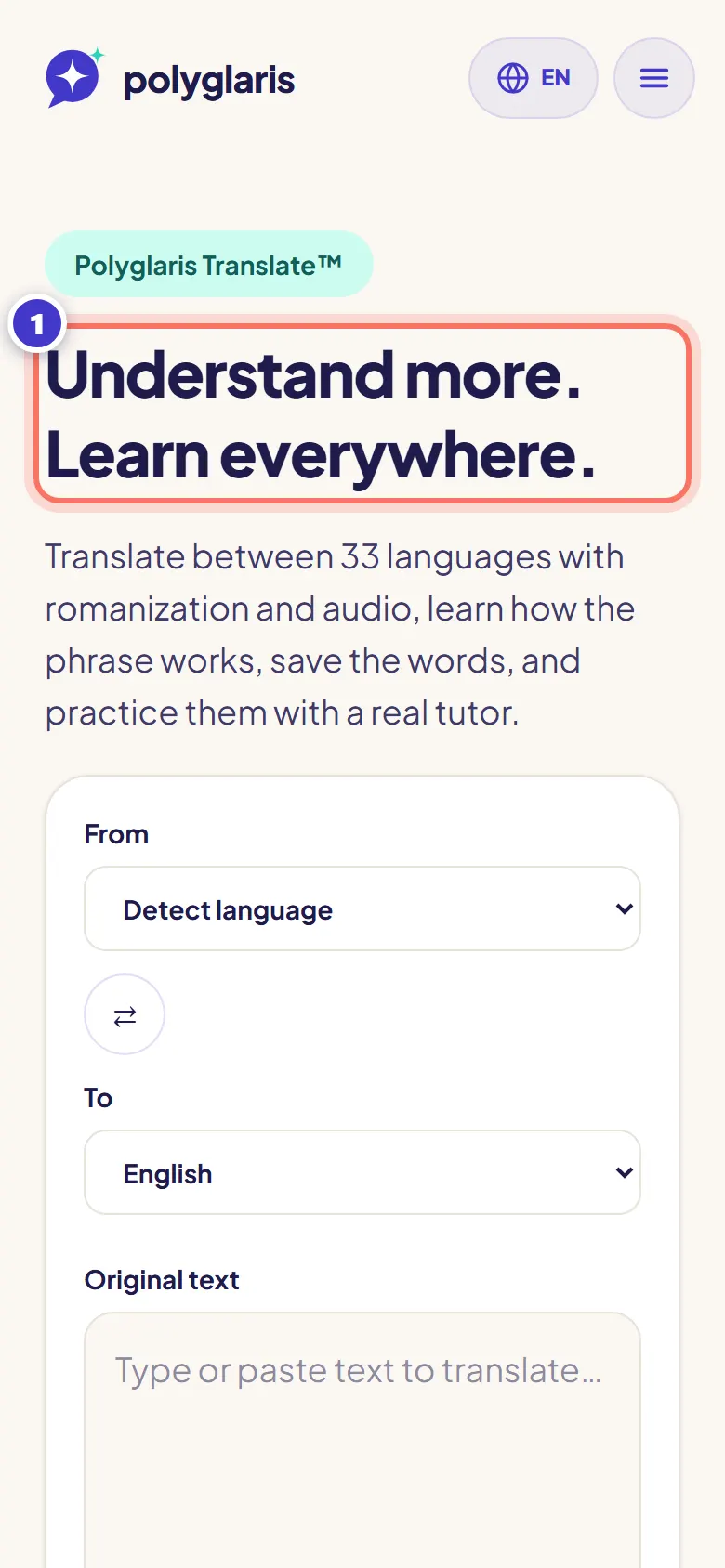
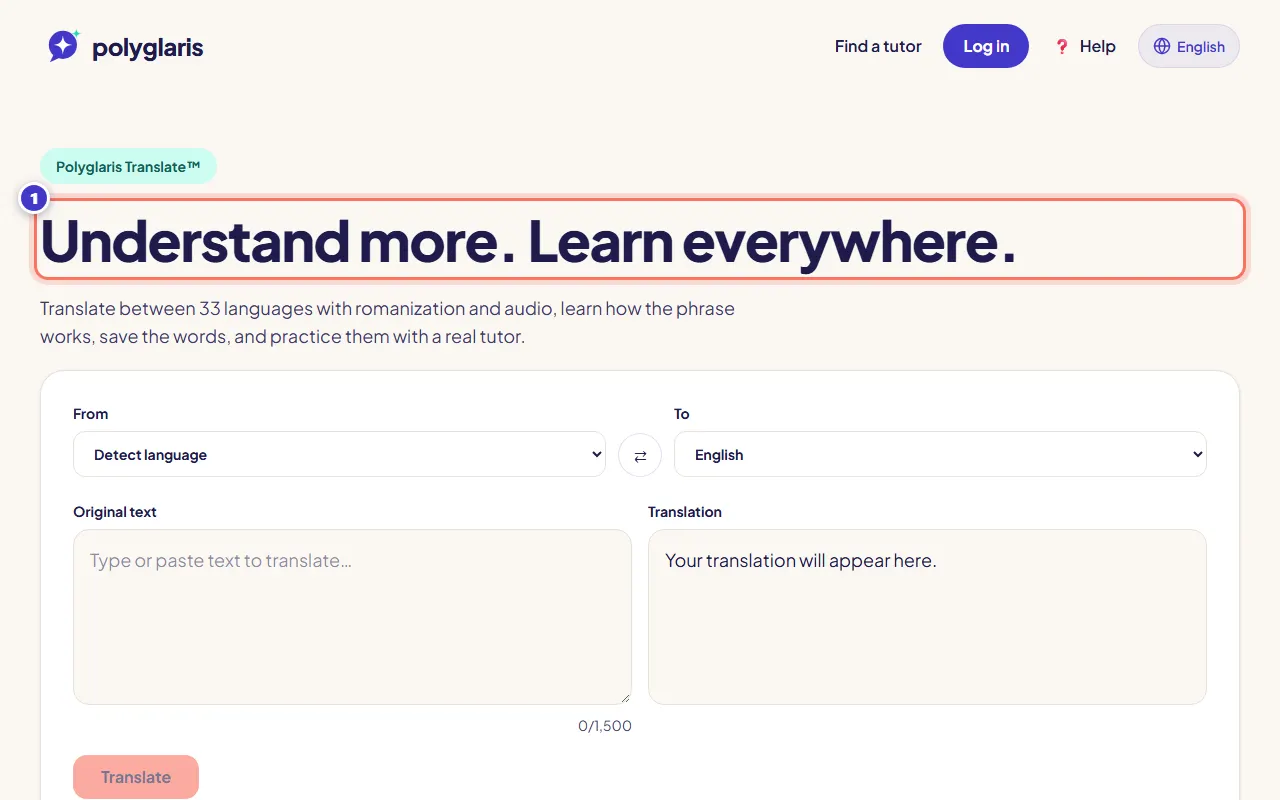
Open Polyglaris Translate from the home page (Try Polyglaris Translate™).
- Bước 2:
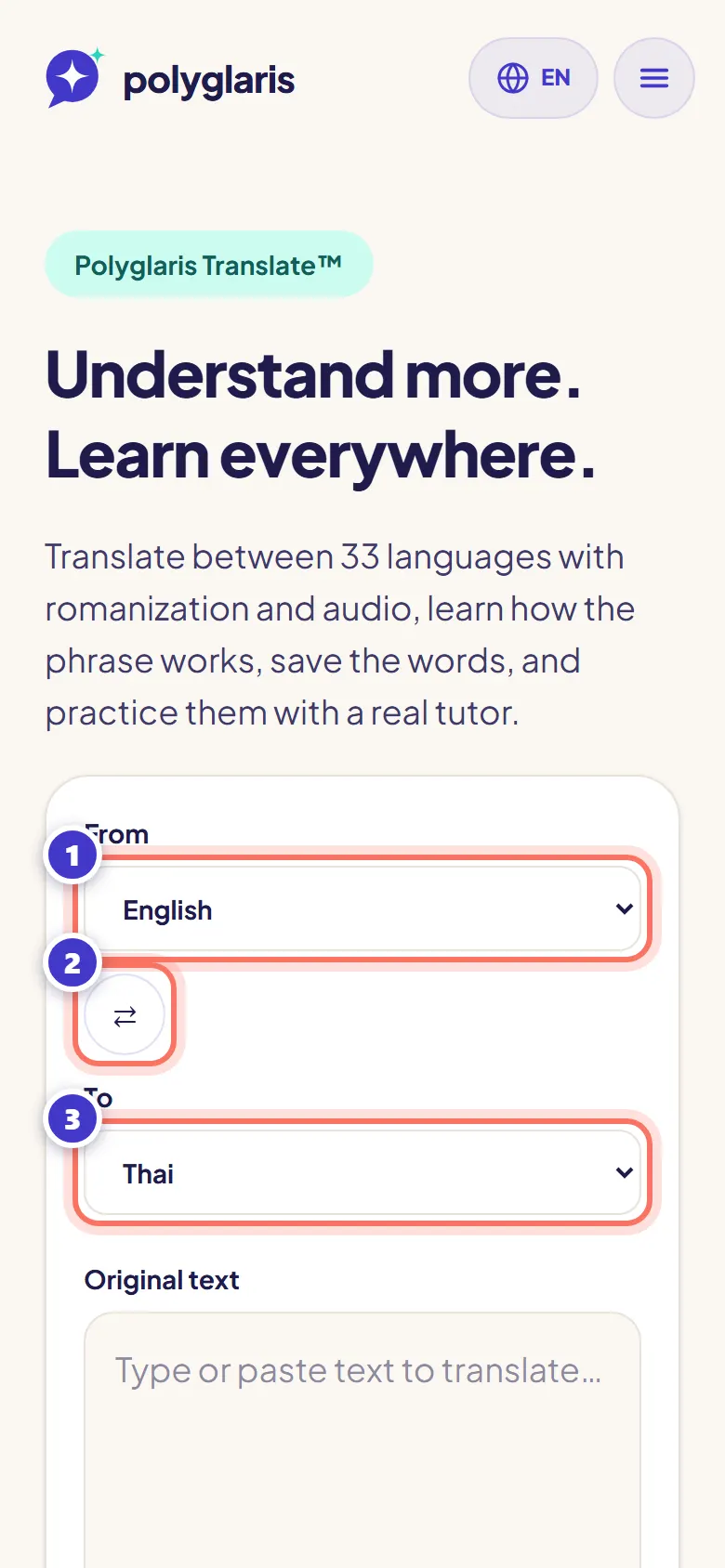
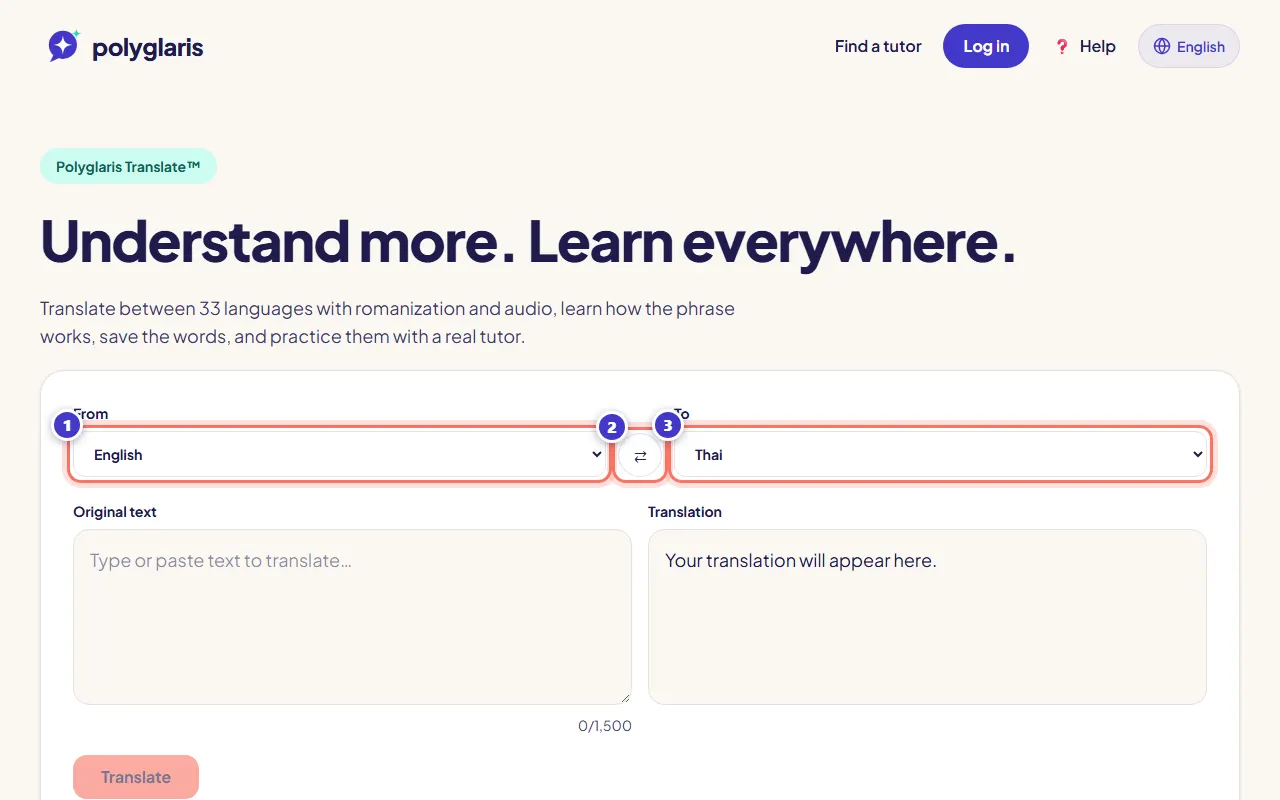
Choose the language you're translating From (or Detect language) and the language To. Press ⇄ to swap them.
- Bước 3:
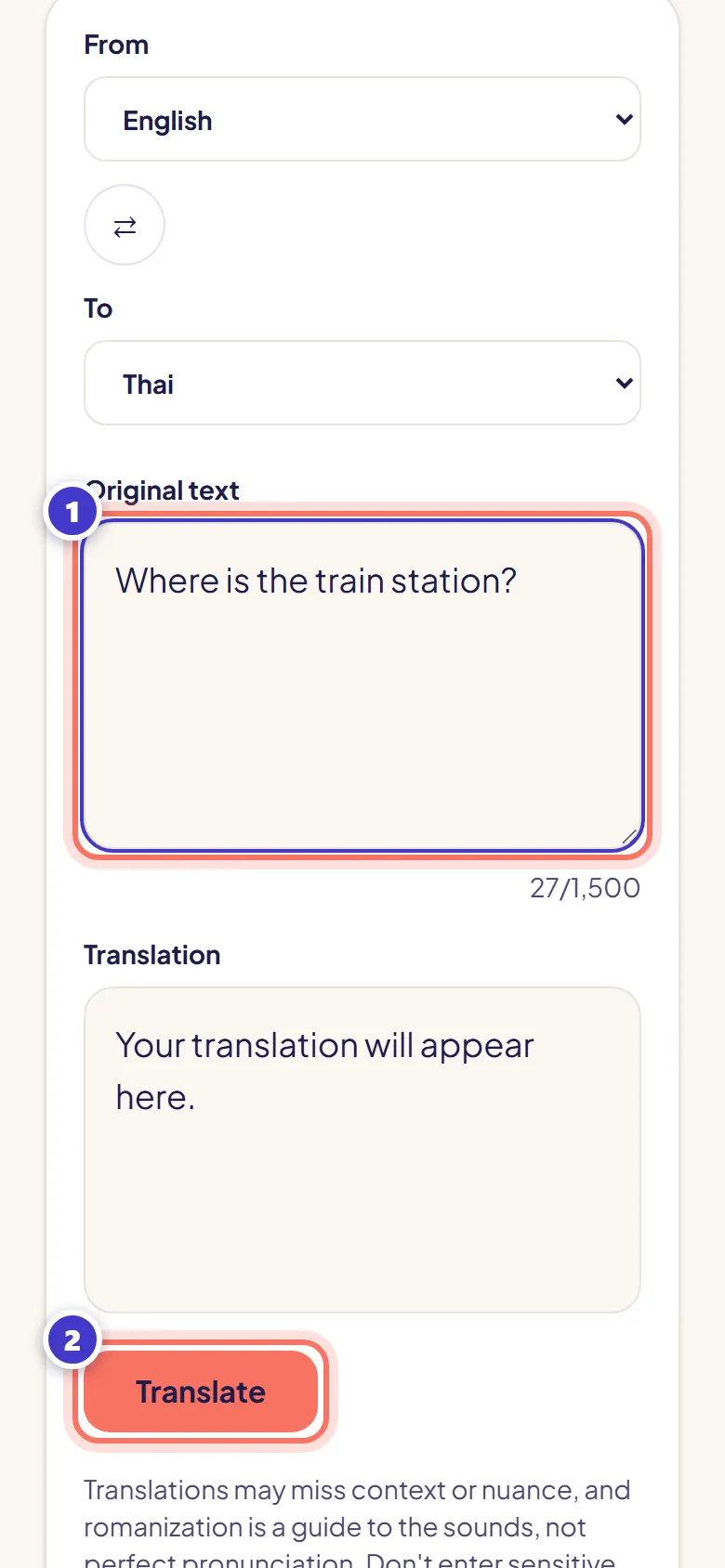
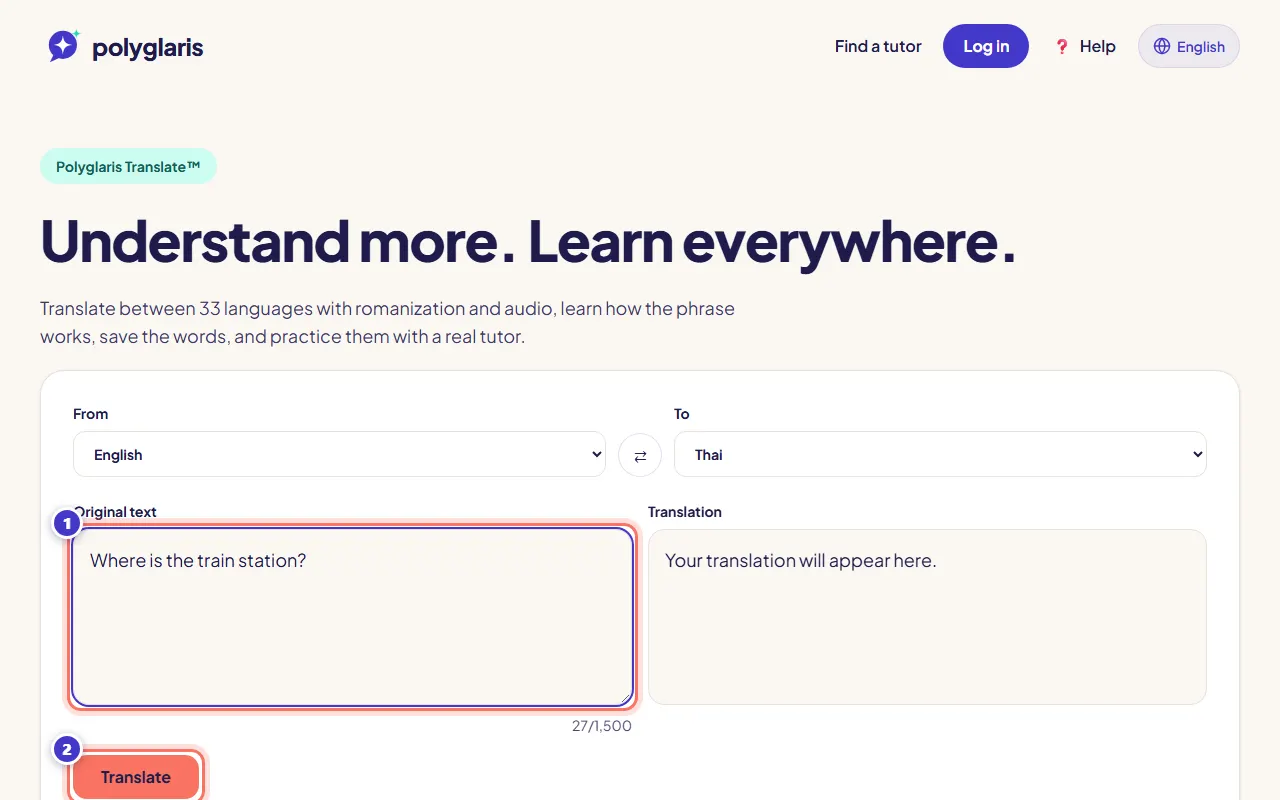
Type or paste your text (up to 1,500 characters) and press Translate.
- Bước 4:
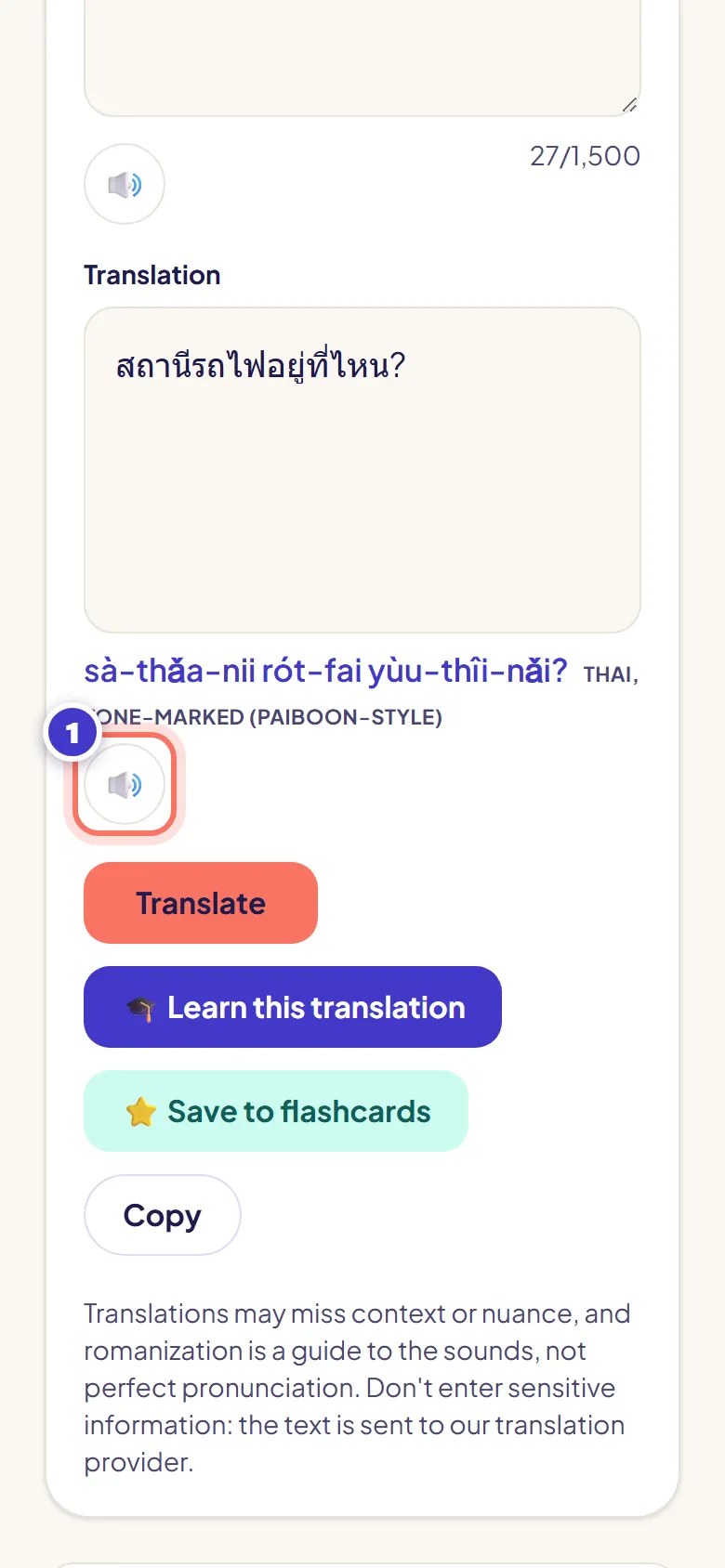
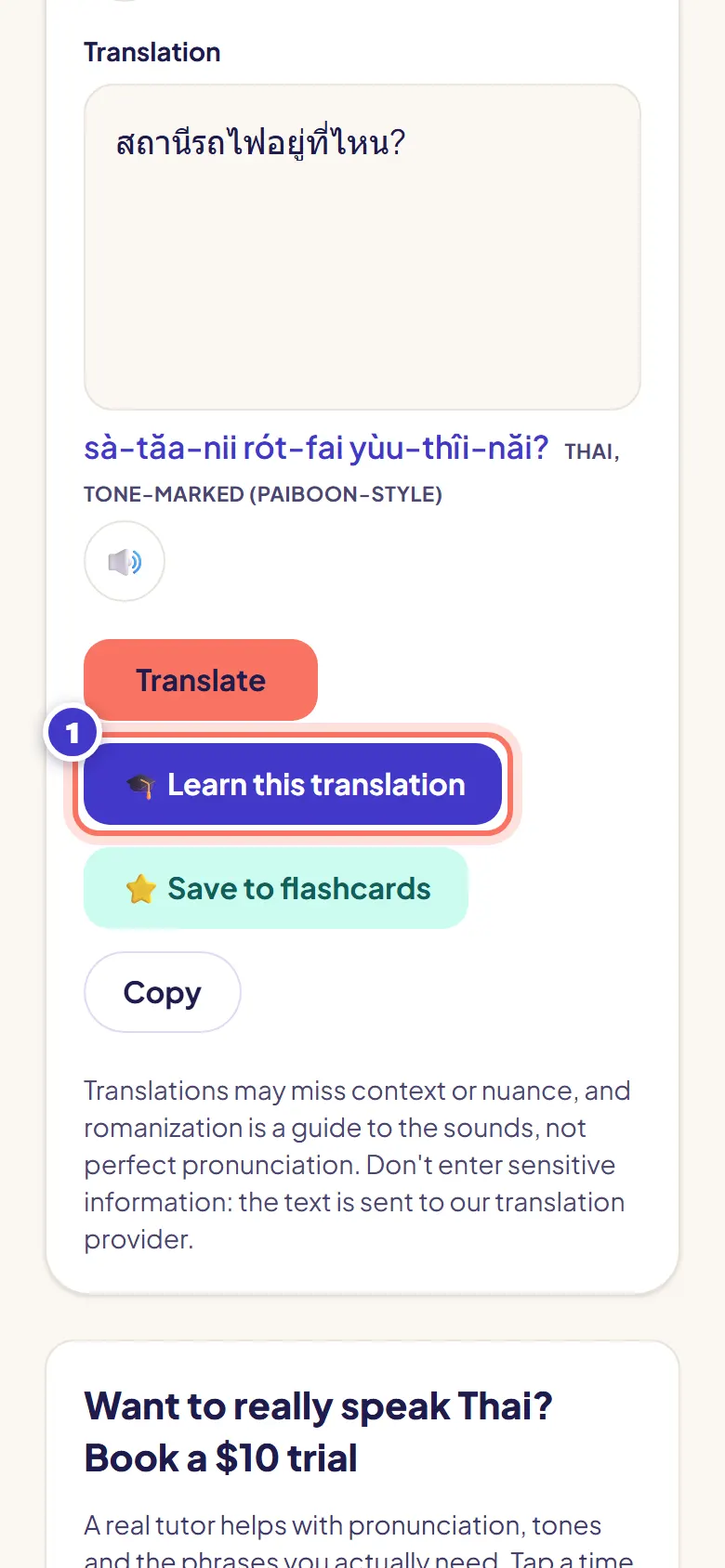
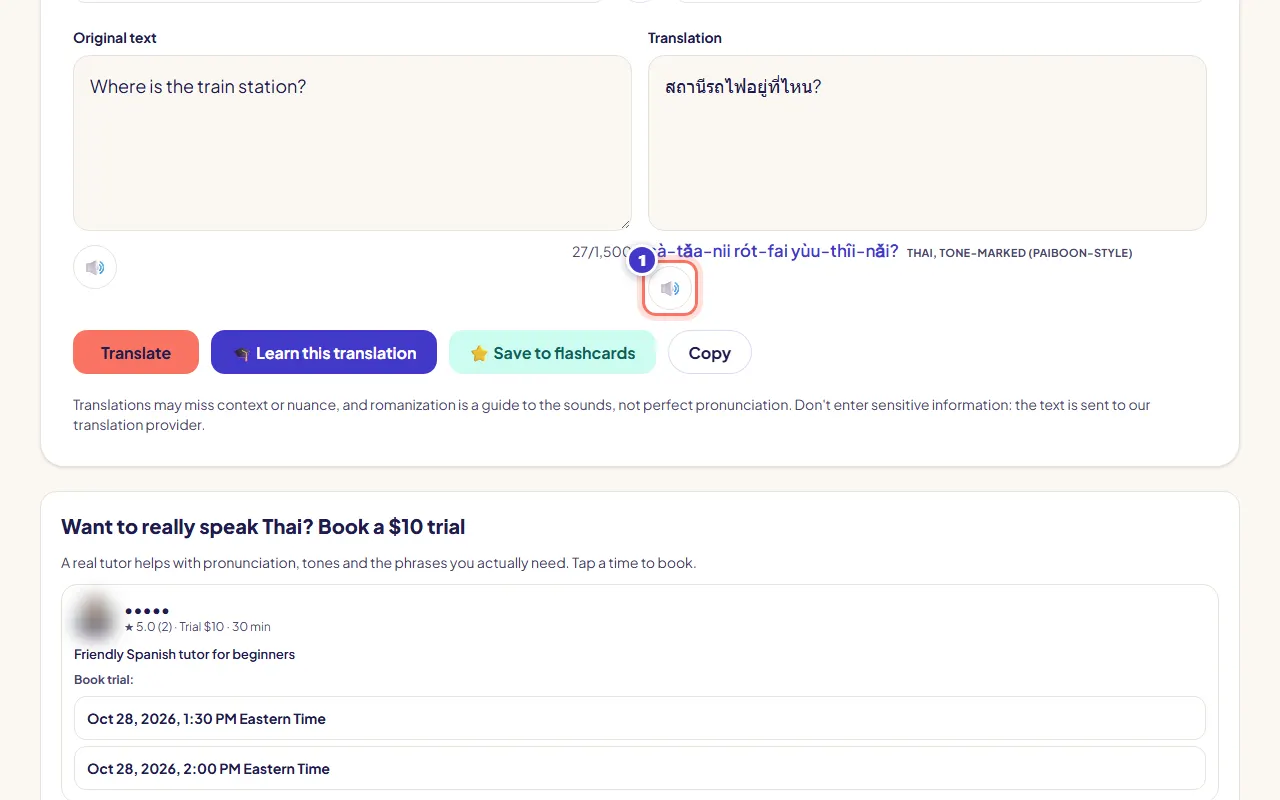
Read the translation. For languages like Thai, Japanese or Chinese you also see how it sounds in Latin letters. Press 🔊 to listen.
- Bước 5:
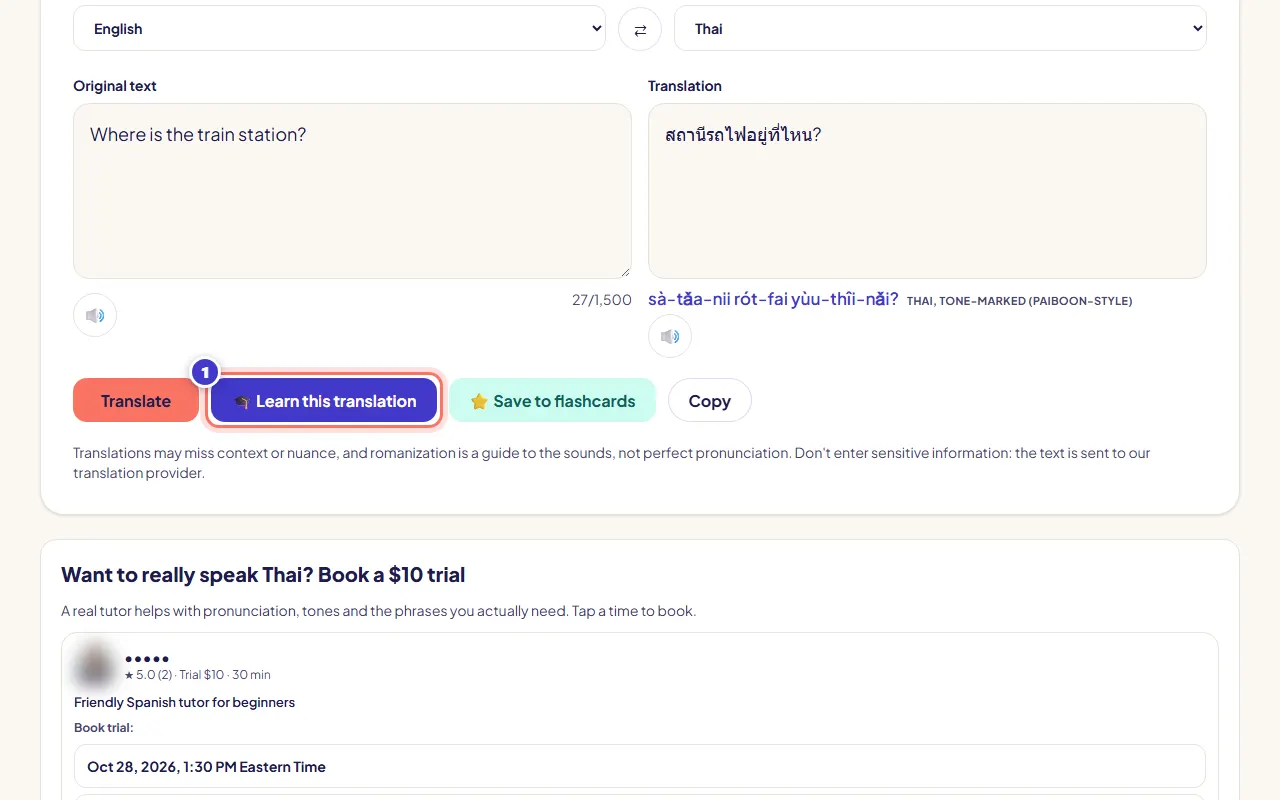
Press 🎓 Learn this translation to see the natural and literal meaning, how formal it is, grammar, pronunciation tips and example sentences.
Signed out, your first explanation is free. Then sign up free with your email to keep learning.
- Bước 6:
Press ⭐ Save to flashcards to keep the phrase. Practice it later on your dashboard under Practice.
- Bước 7:
Press 🗣️ Practice these words in a lesson. The words are added to your next lesson in that language, so your tutor can practice them with you. No lesson yet? Book a trial with one of the tutors shown below the translation.
Bạn sẽ thấy gì
- The translation next to your text, with romanization and a 🔊 button.
- Below it: "Want to really speak …? Book a … trial" with tutor cards you can book from.
Mẹo
- You can also ask the assistant: "How do I say thank you in Thai?". It shows the same translation card.
Khắc phục sự cố
It says Translate is taking a short break today.
Polyglaris Translate has a daily limit. Please try again tomorrow.
The pronunciation isn't perfect.
Romanization is a guide to the sounds, not perfect pronunciation. A tutor helps most with pronunciation and tones.
Can I translate private information?
Don't enter sensitive information such as passwords, card numbers or medical details.
Bài học liên quan
Book and pay for a lessonFind the right tutorĐã kiểm tra với ứng dụng vào 27 tháng 10, 2026
Vẫn chưa rõ?
Hãy hỏi Trợ lý hoặc gửi tin nhắn cho chúng tôi. Có người thật đọc mọi tin nhắn.